01Go
One link. Everyone on it.
Give the group one private home for the details, questions, and decisions that usually disappear in a chat thread.
Group trips, minus the chaos
One private place for your crew to join, answer the important questions, and keep the plan moving without making one person chase everyone.
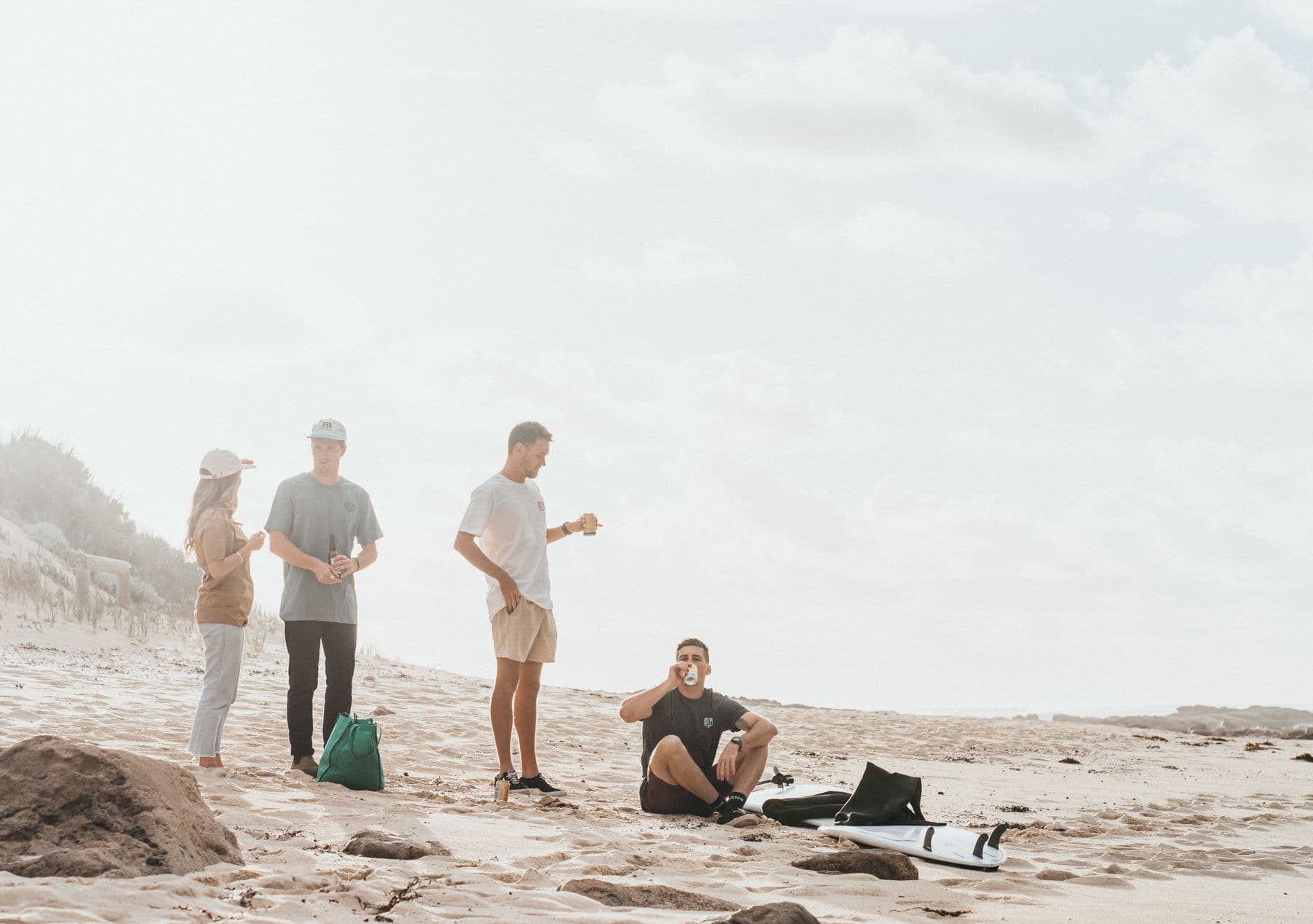
Next up
The coast, all together.
6 / 6
Everyone responded
Dinner poll
Tapas won. Nobody has to ask again.
Three problems. One shared plan.
Give the group one private home for the details, questions, and decisions that usually disappear in a chat thread.
Run simple polls, set deadlines, and see exactly who still needs a friendly nudge before anything gets booked.
Keep names, answers, rooming notes, deposits, and custom details together in one filterable organizer view.
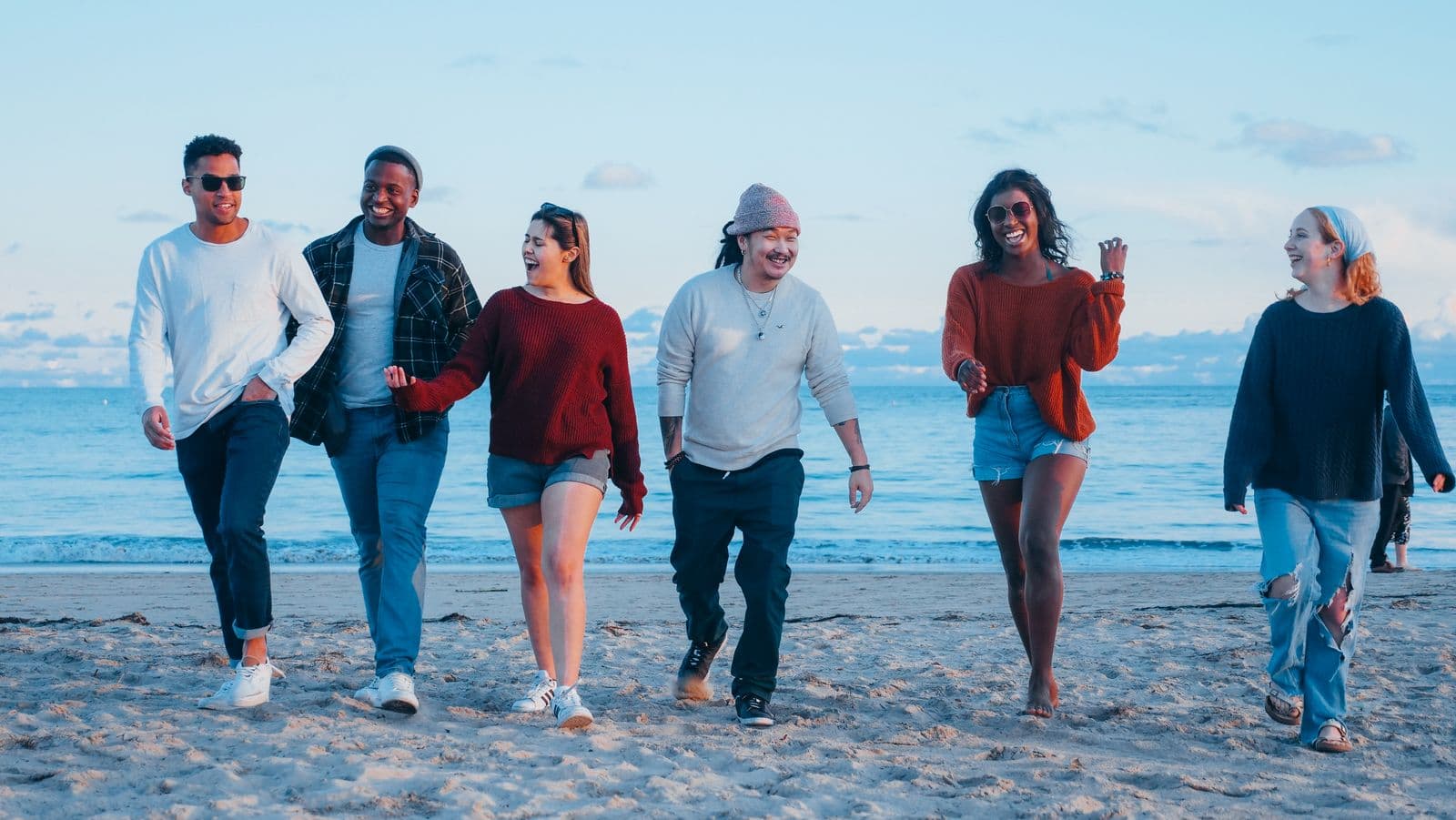
Made for the whole crew
Attendees get a simple private page and focused questions. Organizers get the complete picture: responses, filters, custom details, exports, and targeted follow-ups.
A real plan in four steps
Create a private planning page and add the details everyone needs.
Share one link. Attendees join with email, not another account.
Collect availability and preferences with focused trip polls.
Track replies, filter the group, export, and send the right update.